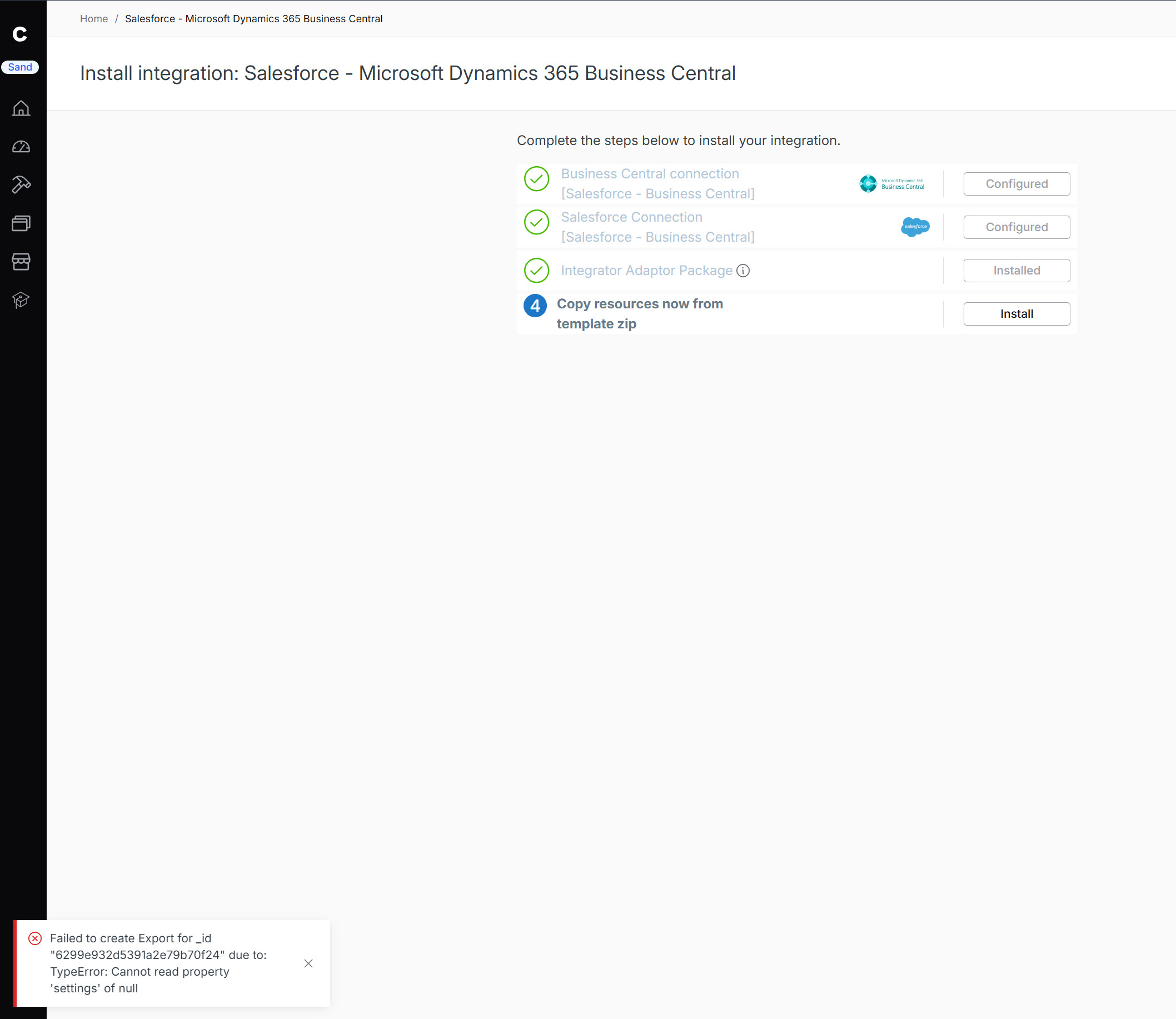
When setting up the preview template for Salesforce - Microsoft Dynamics 365 Business Central I am running into this error:
Failed to create Export for _id "6279fcc16c81c61fa8cda5c0" due to: TypeError: Cannot read property 'settings' of null
This seems to be a pretty generic error message and I assume I am missing a simple setting but I can’t actually get into the tile settings until this is completed.
I tried installing the same Salesforce Business Central preview template preview in my environment and got the exact same error. It doesn’t look like it’s caused by a missing setting on our side. This seems to be an issue with the template itself, so Celigo will probably need to take a look.
Hi @Dylan_Kephart and @nuriensing ,
We acknowledge that the issue originated from our end. A fix has now been patched to the template. Please re-install the template from the marketplace and validate the changes. Feel free to reach out if you encounter any further issues.
Just want to put it here that I had the same issue a few weeks ago and Celigo Support was finally able to fix it. Seems they forgot to roll out the fix to the template on the Marketplace.